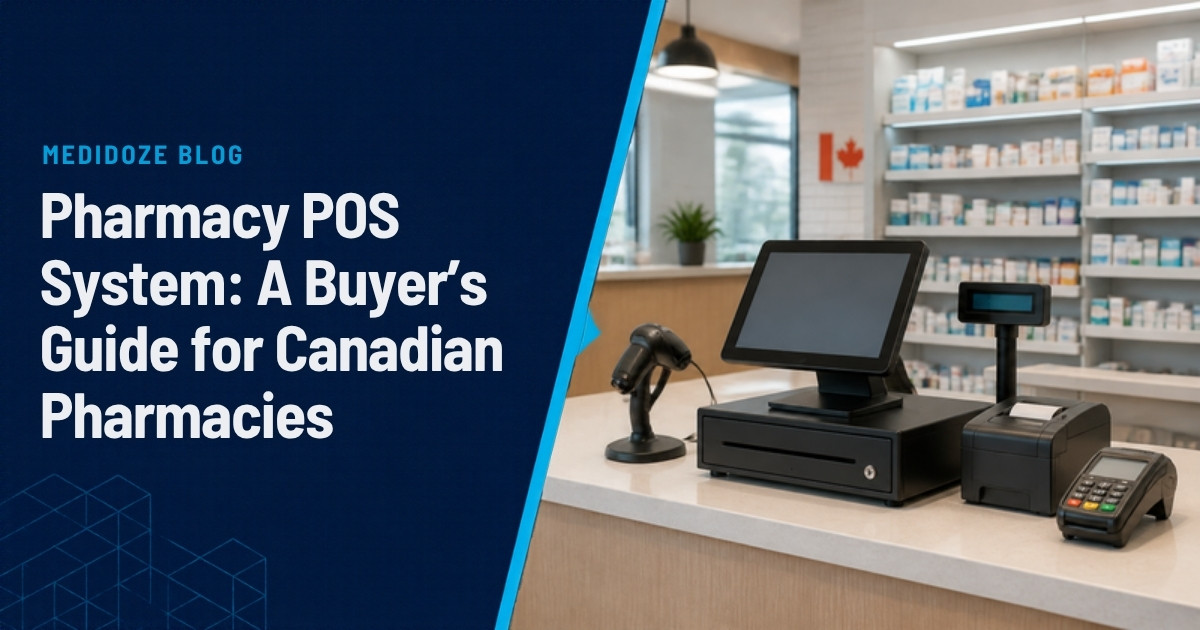
A pharmacy POS system is the checkout software and hardware that rings up prescriptions and front-store sales, takes payment, and records who picked up what. In a Canadian pharmacy it also has to work with your dispensary software, so the counter and the dispensary agree on every prescription.
Key takeaways
- The most important feature is a live, two-way connection to your dispensary software. Without it, every prescription pickup is entered twice.
- General retail POS systems handle front-store sales well but can't see the prescription queue or write pickups back.
- Judge a pharmacy POS on your own workflow, not a vendor demo on sample data.
- Cost depends on the number of stations, the hardware, payment processing and support, so ask for a quote on your actual setup.
This guide covers what pharmacy POS software should do, the hardware you'll need, what drives cost, the questions to ask vendors, and how to switch without disrupting the counter.
What is a pharmacy POS system?
A pharmacy point of sale handles four jobs:
- Prescription checkout. It pulls ready prescriptions from the dispensary system, shows what the patient owes after insurance, and records the pickup.
- Front-store retail. Over-the-counter products, cosmetics and everything else on the shelves, with pricing, promotions and loyalty.
- Payments. Integrated debit and credit terminals, so amounts aren't typed in twice.
- Records and reports. Daily sales, inventory movement and an audit trail of who did what at the counter.
The difference between a good pharmacy POS and a poor one is mostly in the first job.
Pharmacy POS vs a general retail POS
Many pharmacies start with a general retail POS such as Square or Clover for the front store. Here's how a general retail POS compares with MediPOS, a pharmacy POS built for WinRx:
| Capability | General retail POS | MediPOS (pharmacy POS) |
|---|---|---|
| Front-store sales, payments, loyalty | Yes | Yes |
| Sees the live prescription queue | No | Yes |
| Shows the patient's portion after plan billing | No | Yes |
| Adds a patient's other ready prescriptions in one scan | No | Yes |
| Writes the pickup back to the dispensary record | No | Yes |
| Lot and expiry alerts at checkout | Rarely | Yes |
| Pharmacy reports | Built yourself | 15 built-in reports |
A retail POS is a reasonable choice for a store that only sells front-store products. Once prescriptions go through the till, the missing dispensary connection turns into manual work on every pickup.
Features that matter at the counter
A live connection to your dispensary software
This is the feature to judge first. Canadian pharmacies run dispensary systems such as WinRx, Kroll and others, and the POS should connect to yours in both directions: ready prescriptions in, pickups out. Ask each vendor exactly which systems they integrate with, whether the connection is live or a nightly file, and what flows each way. If you run WinRx, our WinRx POS integration guide goes into the details.
Scan once, sell every ready prescription
Patients often have more than one prescription ready. Staff should be able to scan one bag and add the patient's other ready prescriptions to the same sale. It's faster, and the second bag doesn't get left on the shelf.
Lot and expiry alerts
When a product is recalled or past its date, the counter is the last chance to catch it. Look for alerts at checkout, not only in a back-office report.
Inventory and automatic ordering
You'll want reorder levels, electronic purchase orders to your wholesalers, and stock counts that update as items sell. A mobile stock app is worth asking about, since updating a price from the aisle is faster than walking back to a terminal.
Loyalty, promotions and flyer pricing
Front-store margin matters. The POS should handle points, discount rules and scheduled flyer prices without someone changing each price by hand.
Staff permissions and an audit trail
Each person should sign in as themselves, with permissions that match their role. Voids, refunds and price overrides should be logged against a name, so "who voided that sale?" has an answer.
Reports
At minimum you'll want daily close-out, sales by category, prescription versus front-store revenue, inventory value and staff activity.
Hardware you'll need
A typical pharmacy POS station includes:
- Terminal. An all-in-one touchscreen PC or a computer with a touch monitor.
- Customer-facing display. Shows the patient their items and total.
- Barcode scanner. Reads both product barcodes and prescription labels.
- Receipt printer.
- Cash drawer.
- Integrated card terminal. Connected to the POS so amounts flow through automatically.
- Mobile or handheld device. Optional, for stock counts and price changes on the floor.
Ask whether you can reuse hardware you already own. Many pharmacies only need to replace part of it.
How much does a pharmacy POS system cost?
Prices vary widely, so treat any single number with caution. The main cost drivers are:
- Number of stations and stores. Software is often priced per station or per location.
- Hardware. New terminals, scanners and printers, or reuse of what you have.
- Payment processing. Card fees are usually separate from the software.
- Integrations. Dispensary integration may be included or priced separately.
- Setup and data migration. Moving your product file, customers and loyalty balances.
- Support and updates. Ongoing support is usually part of a monthly fee.
Ask every vendor for a written quote based on your actual store count and hardware, and ask what's included after the first year.
Questions to ask before you buy
| Question | Why it matters |
|---|---|
| Which dispensary systems do you integrate with, and how? | A "compatible" POS that only exports a file at night doesn't remove double entry. |
| Are pickups written back to the patient record? | This is what keeps the counter and dispensary in agreement. |
| Which card terminals do you support? | Integrated terminals stop amounts being keyed twice. |
| How do you handle multi-store pricing? | Groups need one price book and consistent promotions. |
| Can we try it on our own workflow first? | A demo on sample data hides the problems you'll hit on day one. |
| Where is our data stored? | Patient information should stay in Canada. |
| What does support look like after go-live? | The first two weeks after a switch are when you'll need it most. |
Privacy and data residency in Canada
A pharmacy POS holds patient names, purchase history and sometimes prescription details. In BC, private-sector organizations are covered by the Personal Information Protection Act (PIPA), and elsewhere in Canada by PIPEDA or provincial equivalents. Ask vendors where data is stored and who can access it, and prefer systems that keep patient data in Canada.
How to switch POS systems with less disruption
- Map your current day. Write down how a prescription pickup, a front-store sale, a return and a delivery work today, step by step. This becomes your test script.
- Test on your workflow. Run that script in the vendor's demo before signing anything.
- Clean your product file. Old SKUs and duplicate items are easier to remove before migration than after.
- Plan the cutover for a quiet day. Avoid the first of the month and long weekends.
- Train in short sessions. Twenty minutes per role works better than one long afternoon for everyone.
- Check the first week's reports. Compare daily totals with your card terminal and bank deposits until they match.
Pharmacy POS checklist
- Live, two-way connection to our dispensary software
- Patient's portion shown at the till
- One scan adds all ready prescriptions
- Pickups written back automatically
- Lot and expiry alerts at checkout
- Inventory with auto-ordering to our wholesalers
- Integrated card terminal we already use (or plan to)
- Loyalty, promotions and flyer pricing
- Staff sign-in, permissions and audit trail
- Patient data stored in Canada
- Trial on our own workflow
Where MediPOS fits
MediPOS is a pharmacy POS built by pharmacists for pharmacists and fully compatible with WinRx. It shows the live prescription queue, brings adjudication results to billing, and writes pickups, consultations and deliveries back to WinRx, so nothing is entered twice. Checkout, inventory and auto-ordering, integrated payments, loyalty and 15 built-in reports are in one system, with a mobile app for updating stock from the aisle.
See how it compares with Assyst POS, Propel POS and others in our best pharmacy POS systems in Canada for 2026. You can book a free 20-minute demo on your own workflow, then try it free for 30 days.
Frequently asked questions
What is a pharmacy POS system?
It's the checkout system for a pharmacy. It sells prescriptions and front-store products, takes payment, and records each pickup. Unlike a retail POS, it connects to the pharmacy's dispensary software.
Can I use a regular retail POS in a pharmacy?
For front-store sales, yes. For prescriptions, a retail POS can't see the dispensary queue or write pickups back, so staff end up entering each prescription sale twice.
What hardware does a pharmacy POS need?
A terminal, customer-facing display, barcode scanner, receipt printer, cash drawer and an integrated card terminal. A handheld device for stock counts is optional.
How much does pharmacy POS software cost?
It depends on the number of stations and stores, hardware, payment processing, integrations, migration and support. Ask vendors for a written quote on your actual setup.
How long does it take to switch pharmacy POS software?
It depends on your product file and how many stores you run. Cleaning data before migration and testing on your own workflow keep the switch short.
Does MediPOS work with WinRx?
Yes. MediPOS shows the live WinRx prescription queue, brings adjudication results to billing and writes pickups back to WinRx.